Prompt-based creation
Enter creative prompts and use supported generation settings to request AI artwork.
 Norvia AI
View App Screens
AI-assisted creative studio
Norvia AI: Image Weaver helps you turn prompts, photos, styles, and creative settings into generated artwork inside a focused mobile experience.
What the app supports
The website keeps the feature set grounded in the current app materials: image creation, photo-based input, style exploration, rewards, credits, and profile access.
Enter creative prompts and use supported generation settings to request AI artwork.
Select photos or media when a creation mode needs visual input from your device.
Explore available styles and creative templates in a mobile-first gallery experience.
The app may use credits, daily rewards, rewarded ads, and subscription benefits.
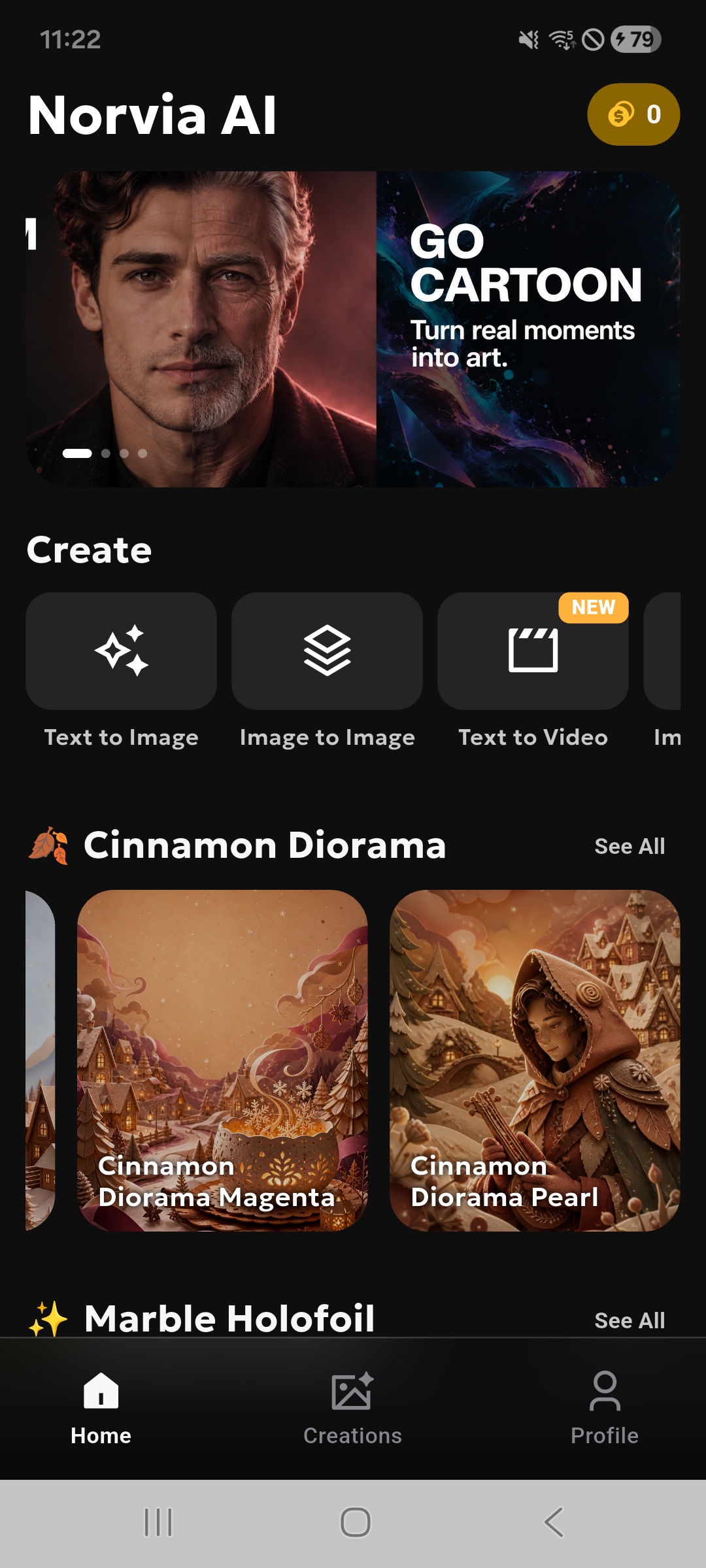
App screens
Captured directly from the Android project so the website reflects the actual app, not a reconstructed mockup.
Product path
Home, List, Detail, and Profile are presented as real captured screens from the Norvia AI Android app.
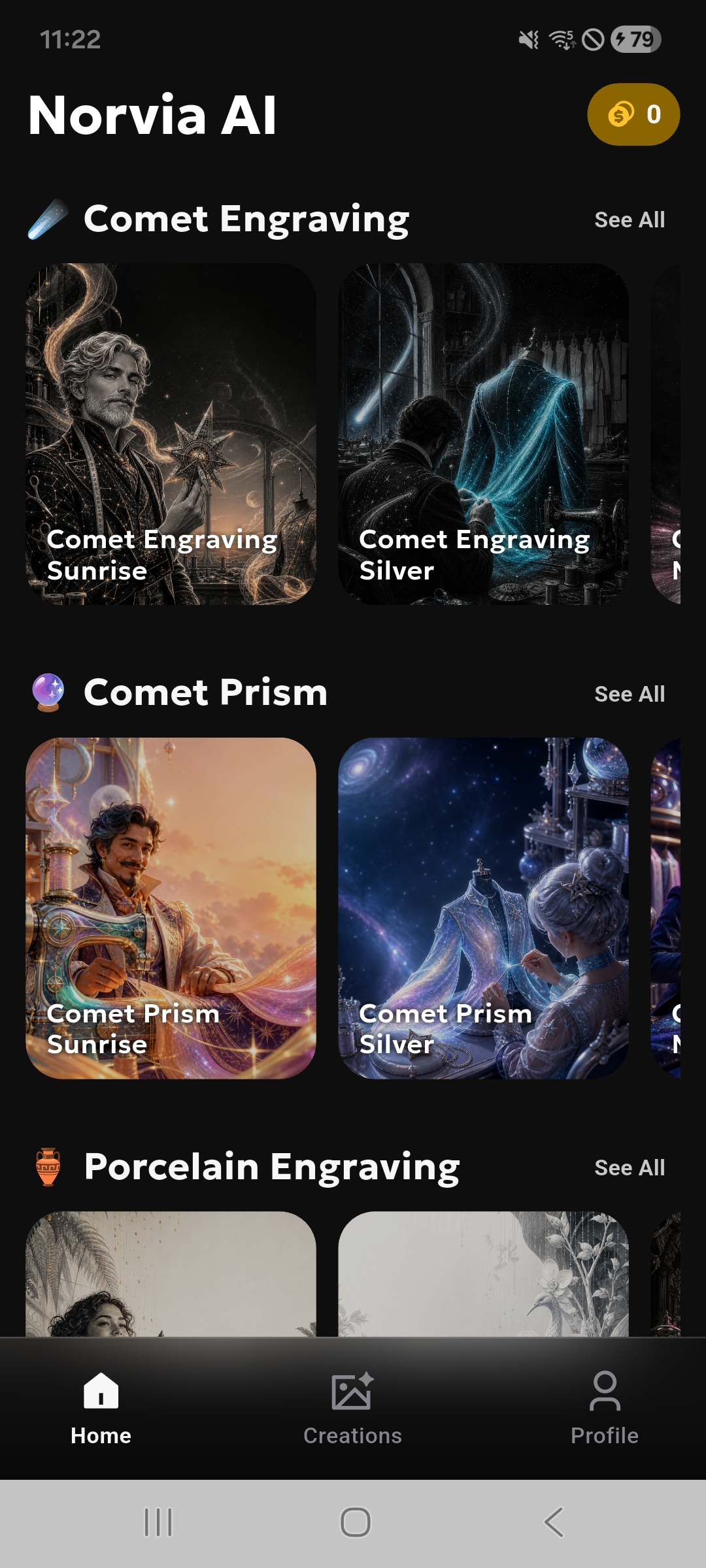
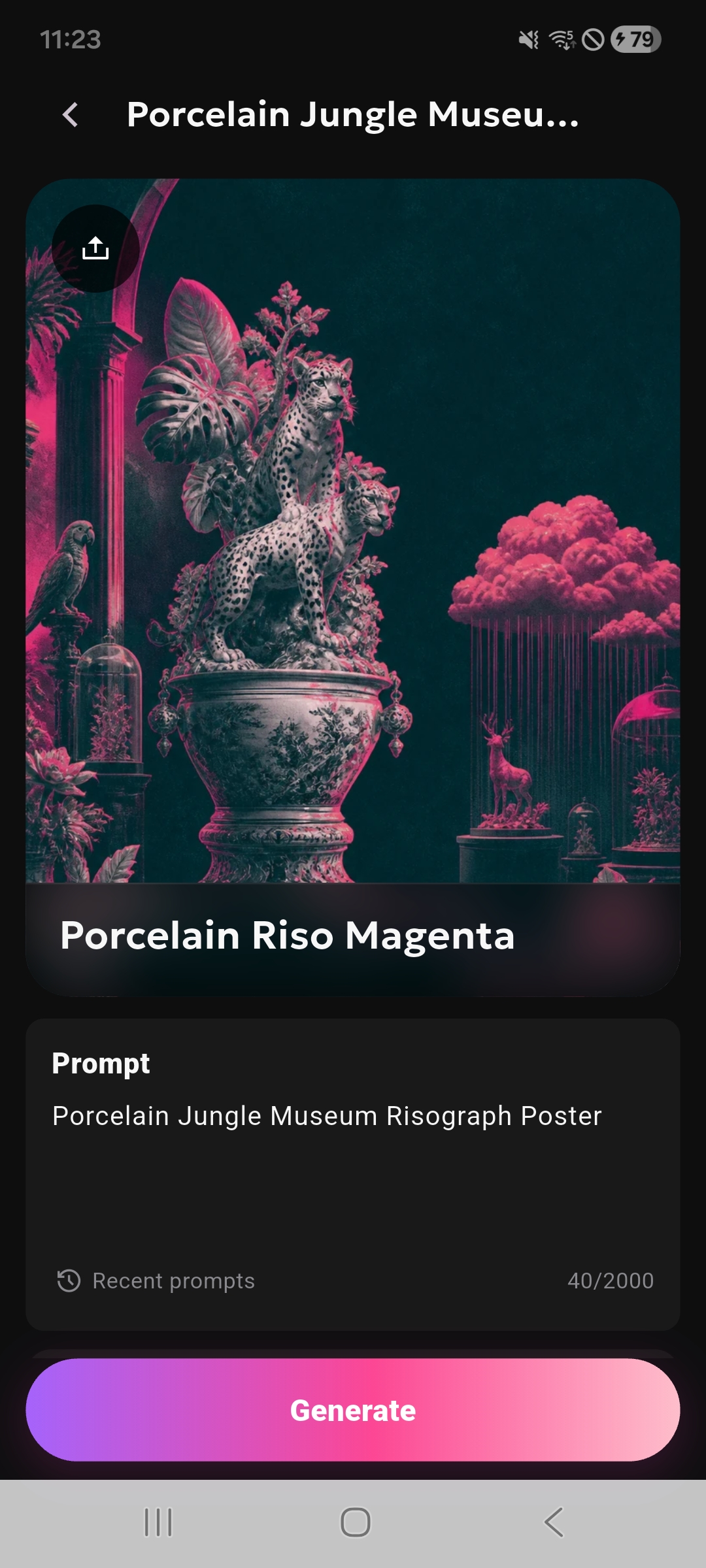
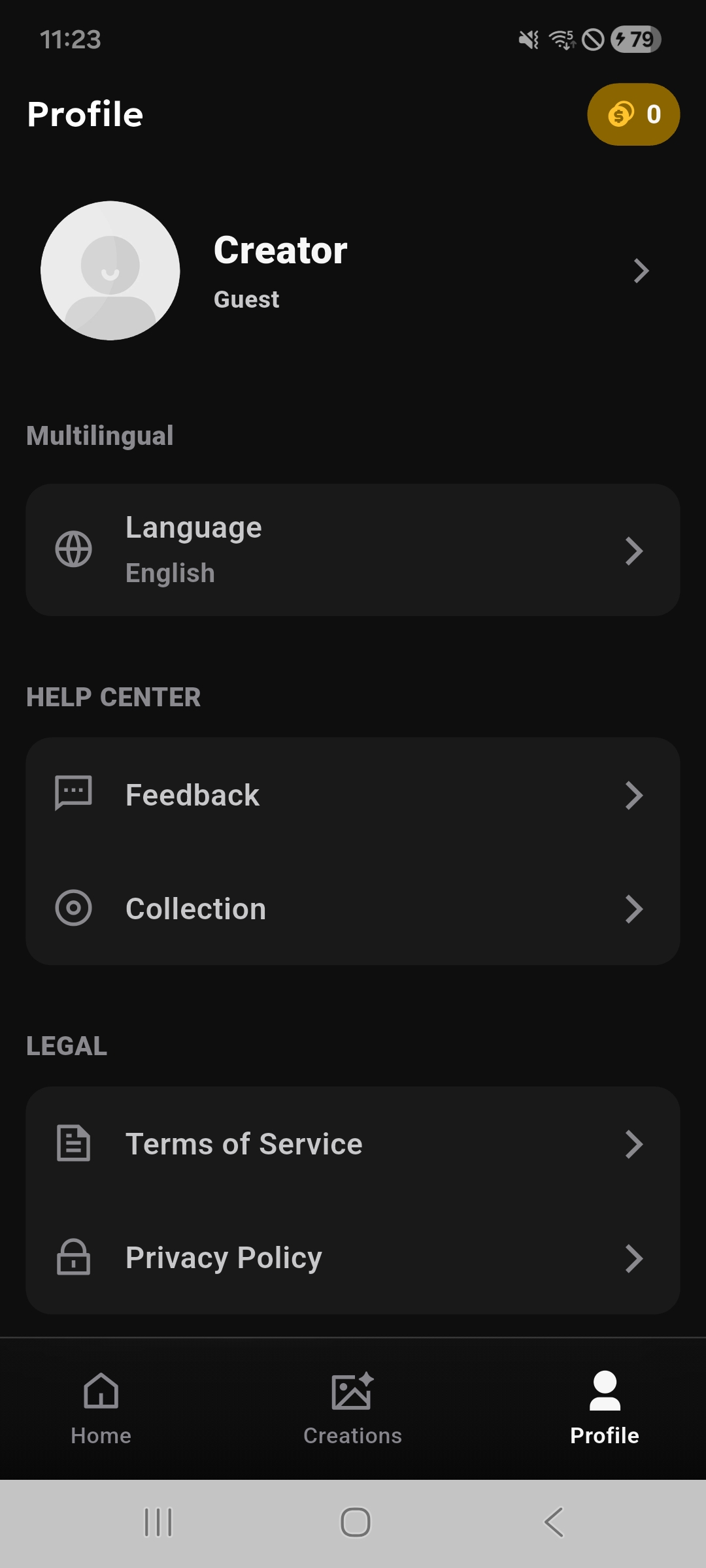
Image examples
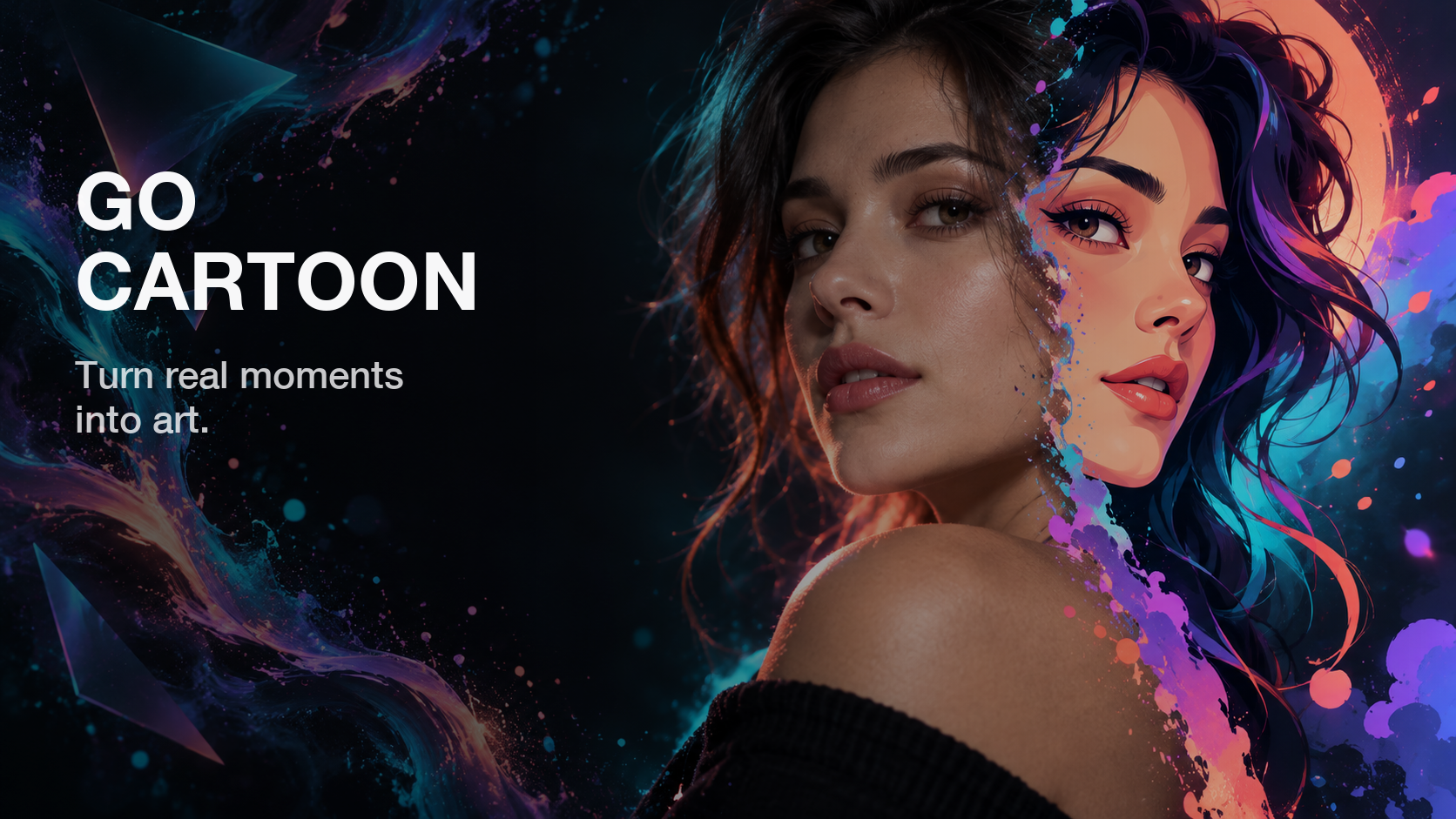
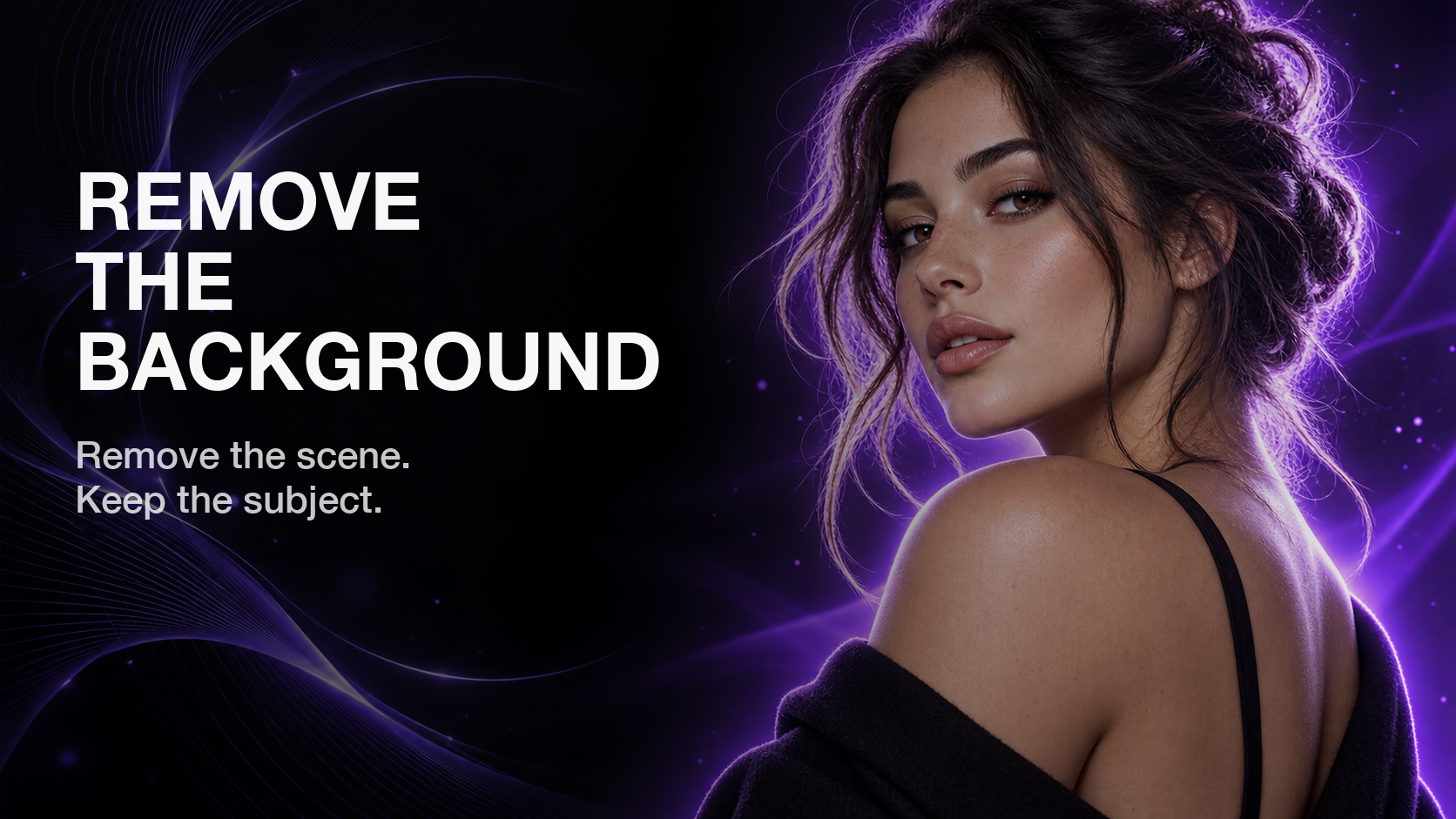
A compact gallery using Norvia's supplied visual assets, designed to match the dark purple glass look of the page.


Creative modes
Create an image from a written prompt.
Use a reference image as creative input.
Bring words into a supported video flow.
Animate a still image when the mode is available.
Use app tools for background-focused edits.
Explore stylized creative directions.
Work with outfit-focused creation modes.
Explore expression-focused transformations.
Privacy and safety
Norvia AI uses information to provide image generation, improve app performance, support rewards and subscriptions, secure the service, and process creative content needed for requested results.
Photos, prompts, settings, and generated results may be processed to complete generation requests.
Cloud, AI model, analytics, ads, payment verification, and security providers may support the app.
Depending on location, users may have rights to access, correct, delete, restrict, or object to processing.
Legal documents
Read the full legal terms that apply to Norvia AI: Image Weaver.